Proteins and Surfaces
Protein Input
Create a protein shape from PDB or mmCIF text:
from cosmol_viewer import Protein

cif = open("protein.cif", encoding="utf-8").read()
protein = Protein.from_mmcif(cif).centered()

pdb = open("protein.pdb", encoding="utf-8").read()
protein_from_pdb = Protein.from_pdb(pdb).centered()
COSMolKit parses the structure and the viewer assigns secondary structure from backbone geometry before generating a ChimeraX-style cartoon ribbon.
Cartoon Ribbons
ribbon = protein.ribbon().rainbow_residues()
rainbow_residues() colors every biopolymer chain independently from its
first to last rendered residue. Use color() for a uniform ribbon color.
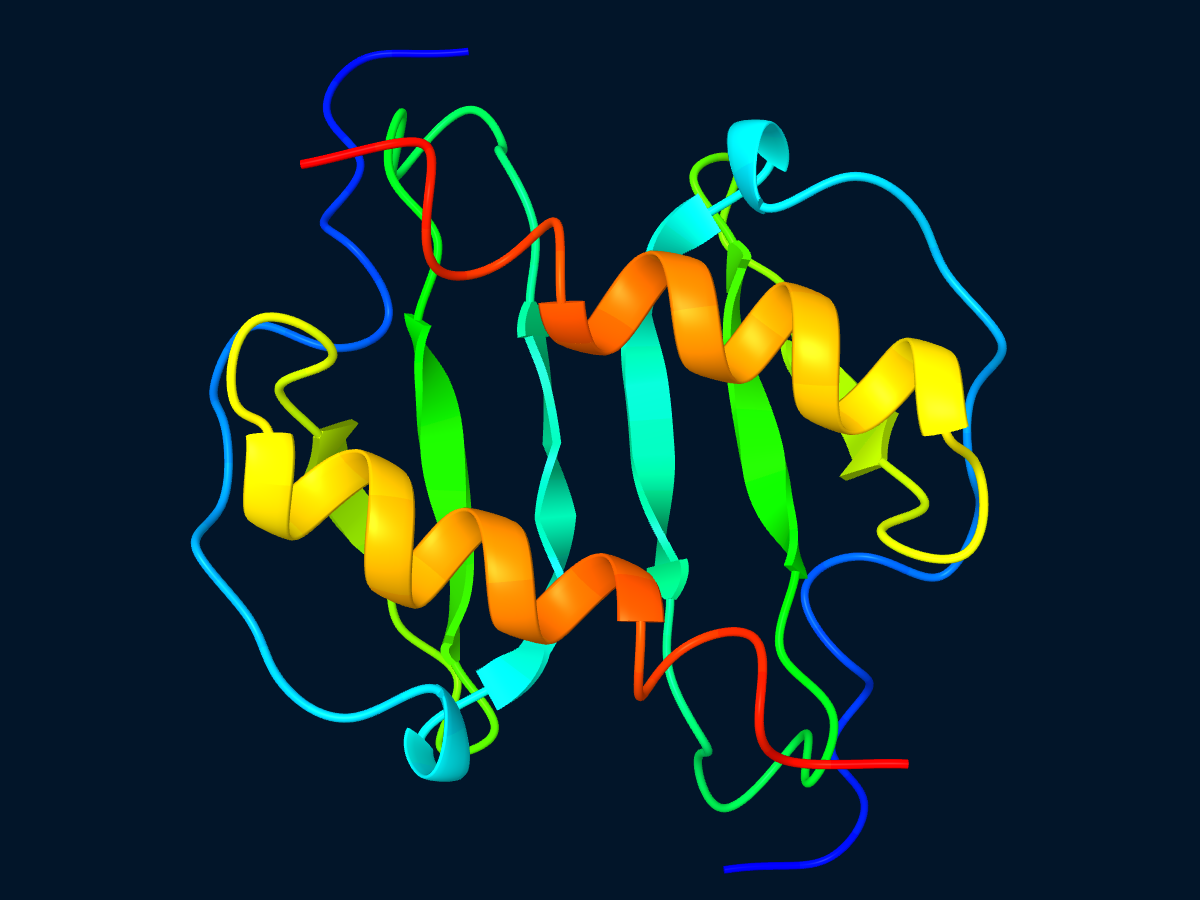
Protein cartoon geometry rendered by COSMol Viewer.
Molecular Surfaces
surface() creates a solvent-excluded surface with a 1.4 angstrom probe and
0.5 angstrom grid spacing. solvent_accessible_surface() creates the
corresponding solvent-accessible representation.
surface = (
    Protein.from_mmcif(cif)
    .centered()
    .surface_with_options(
        probe_radius=1.4,
        grid_spacing=0.5,
        solvent_accessible=False,
        sharp_boundaries=True,
    )
    .color("#dce8f2")
    .opacity(0.9)
)
Smaller grid spacing produces a denser mesh and increases surface generation
cost. sharp_boundaries=True subdivides atom patches so shared boundaries
are exact.
Combining Representations
Separate Protein values can show a ribbon and a translucent surface in the
same scene:
from cosmol_viewer import Scene

scene = Scene()
scene.add_shape(ribbon)
scene.add_shape(surface)
scene.set_depth_cue(True)